

GraphQL
GraphQL is a supported request type in Requesto. Write queries or mutations in a dedicated editor, send variables separately, fetch the endpoint schema for IntelliSense, and browse schema documentation without leaving the request.
Creating a GraphQL Request
Create a request from a collection or switch an open request using the request picker beside the URL.
The picker keeps HTTP methods and GraphQL transports together:
- GQL POST sends a JSON request body and supports queries and mutations.
- GQL GET sends the query and variables as URL parameters and supports queries only.
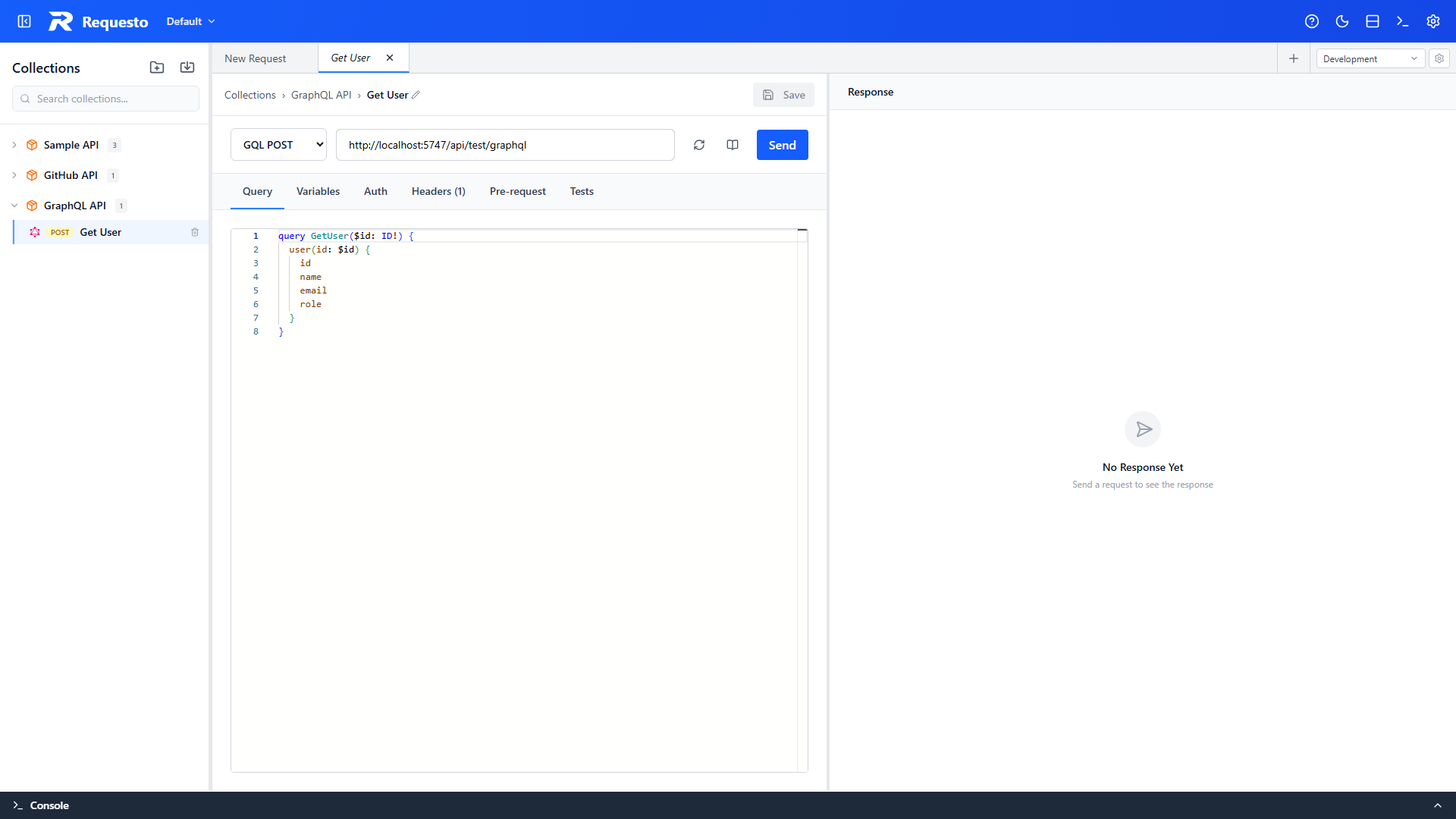
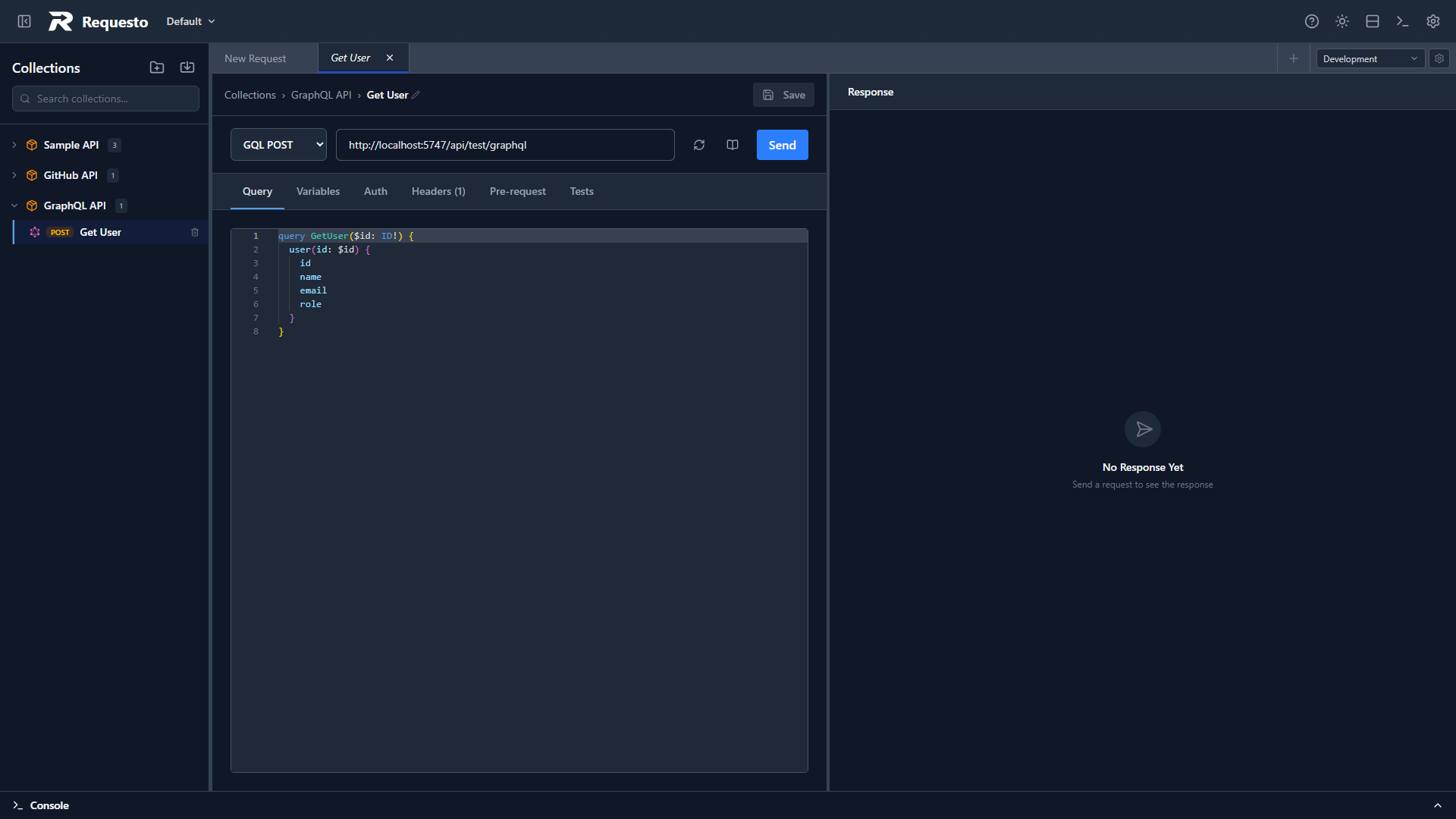
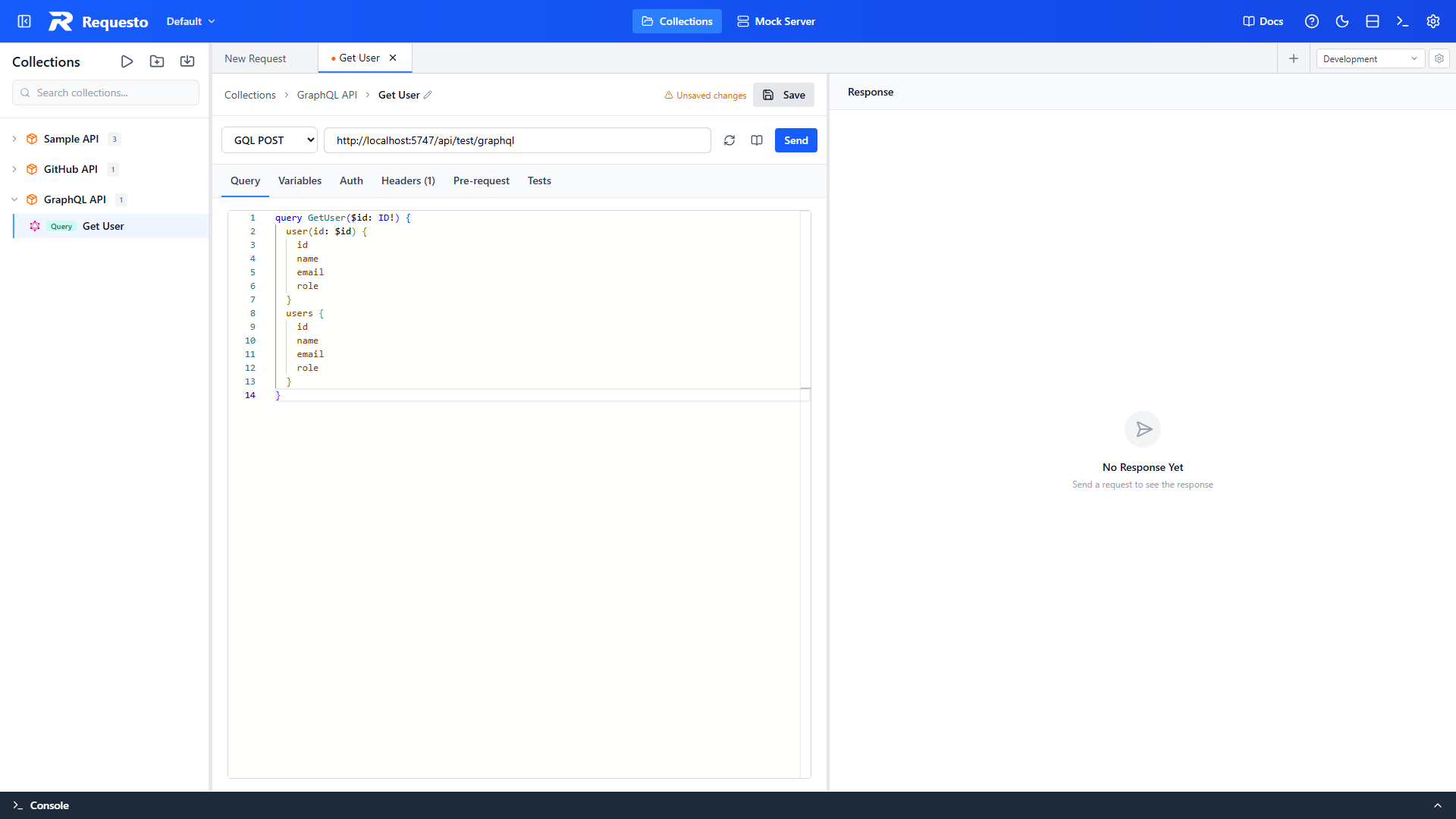
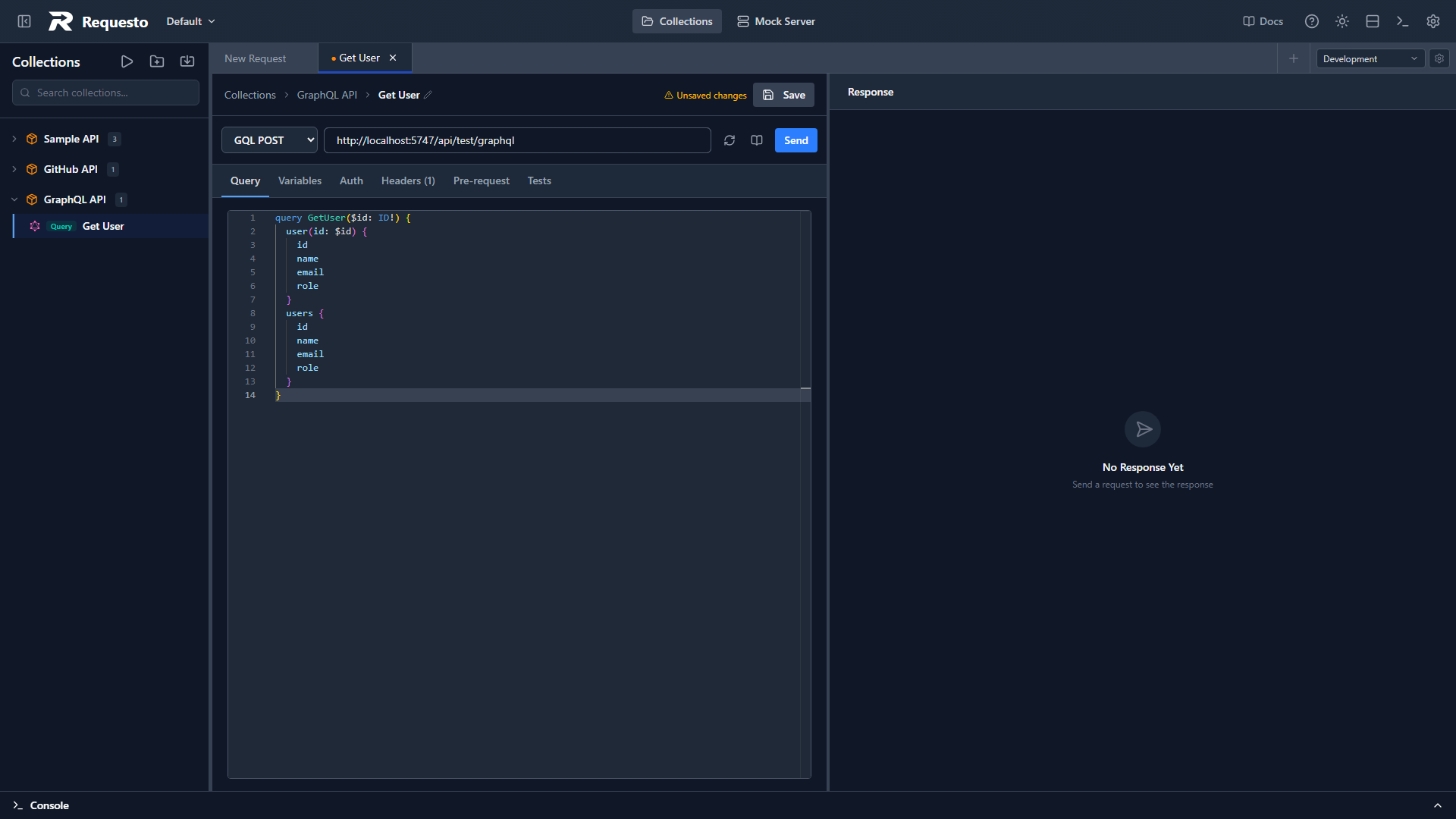
Enter the GraphQL endpoint, open Query, and write one operation.
One operation per request
Requesto supports exactly one GraphQL operation in each request. If the document contains multiple operations, the editor shows a warning and the request is not sent. Split each operation into its own saved request instead.
Query Variables
Define variables in the query, then provide their values as a JSON object in the Variables tab. Keep environment placeholders in the Variables tab rather than inserting them directly into the GraphQL document.
query GetUser($id: ID!) {
  user(id: $id) {
    id
    name
    email
    role
  }
}{
"id": "{{userId}}"
}In this example, userId comes from the active environment. Requesto resolves the placeholder when the request is sent, while $id keeps the query valid GraphQL and preserves schema-aware completion and diagnostics.
Use the same pattern for queries and mutations:
- Declare a GraphQL variable such as
$idor$inputin the operation. - Use that variable in the query or mutation fields.
- Assign an environment placeholder such as
{{userId}}in the Variables JSON or enter just enter a regular value.
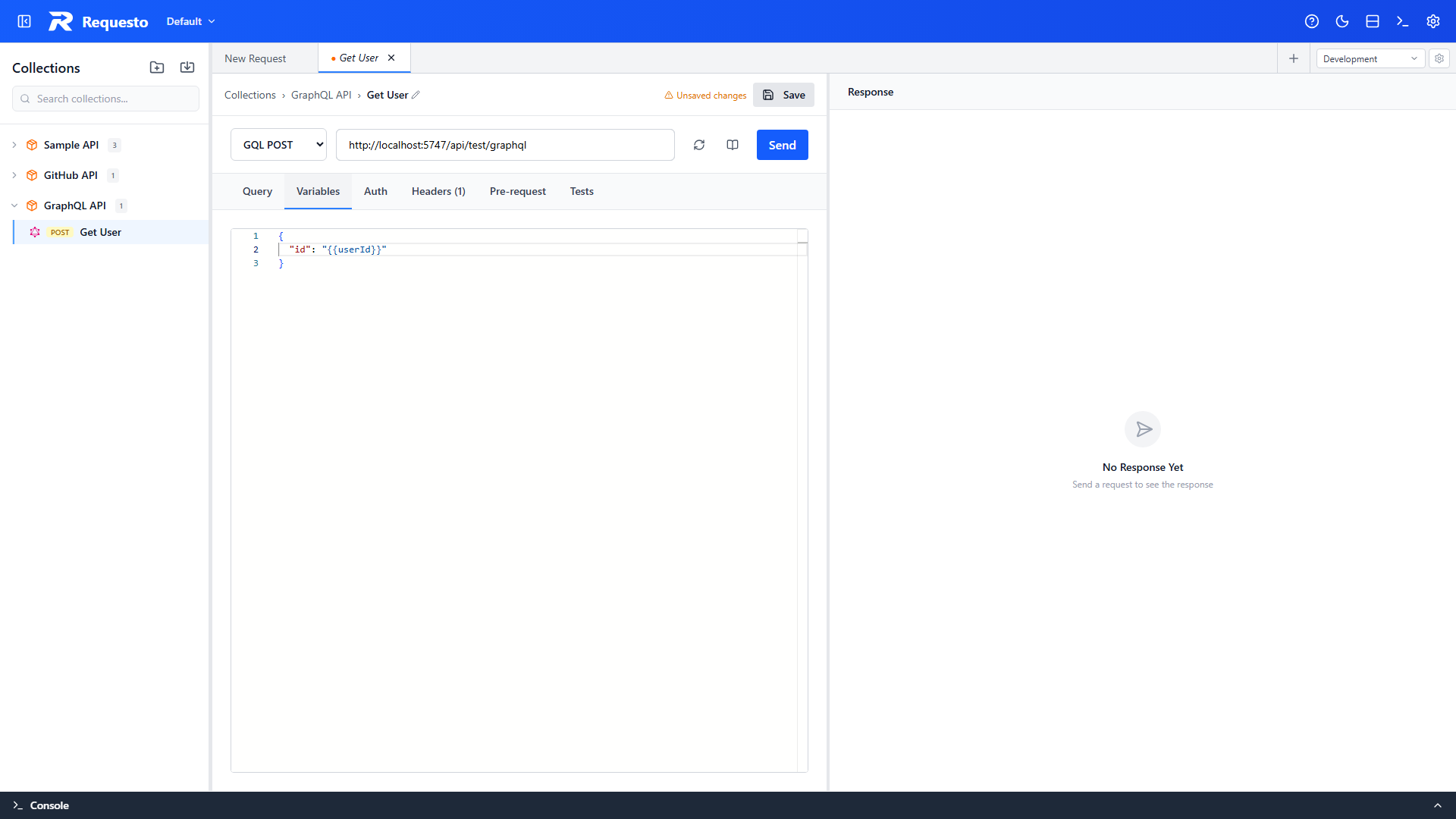
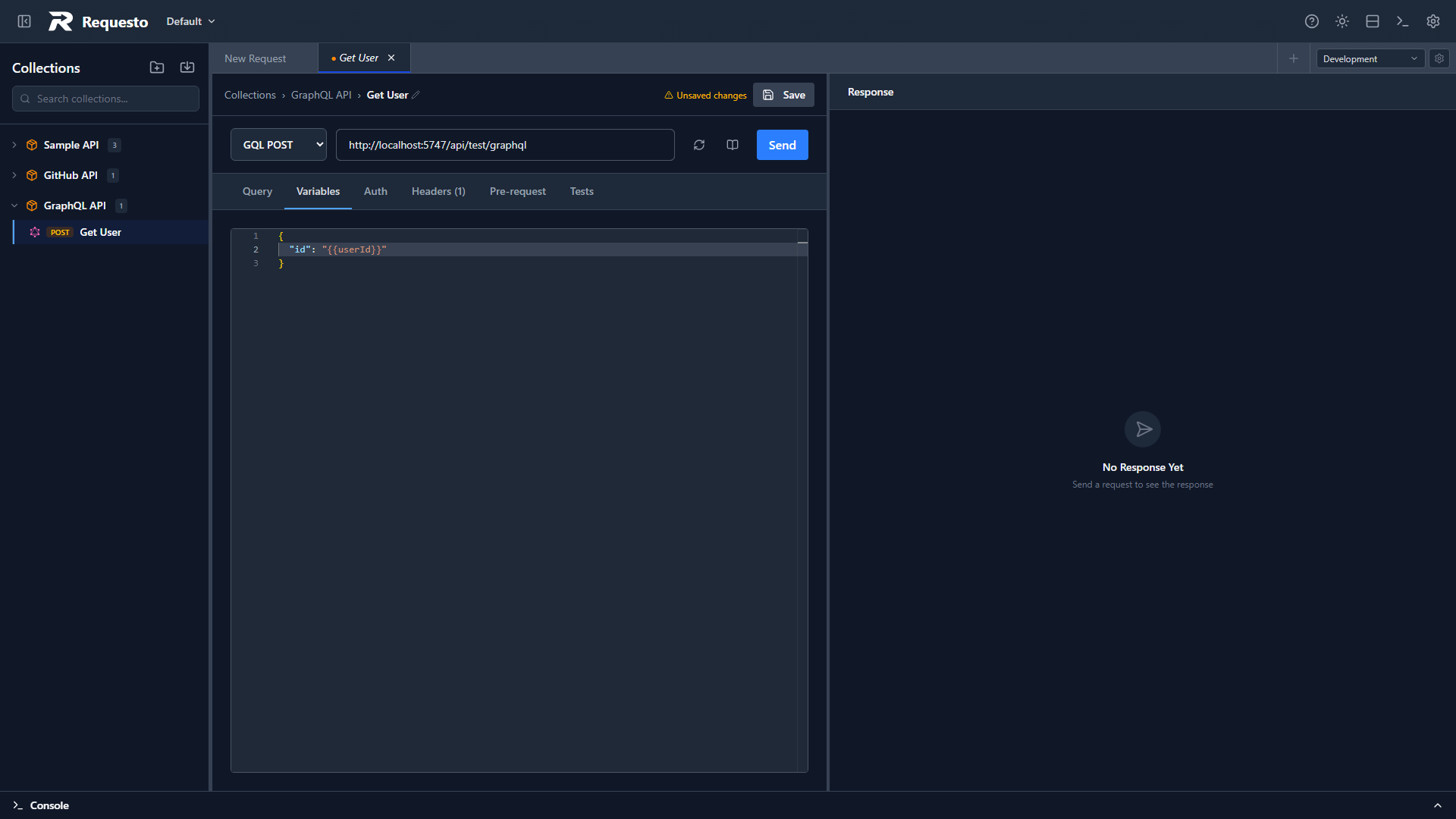
The variables value must be a JSON object. Arrays and other top-level JSON values are rejected before the request is sent.
Writing a Mutation
Mutations follow the same pattern as queries — declare an operation, pass data through variables, and select the fields to get back. This example updates a user's name:
mutation UpdateUserName($id: ID!, $name: String!) {
  updateUserName(id: $id, name: $name) {
    id
    name
    email
    role
  }
}{
"id": "1",
"name": "Grace Hopper"
}Mutations have side effects and must be sent with GQL POST. Switching the picker to GQL GET disables mutations because GET requests cannot execute them.
Build mutations from the schema
Open the schema explorer, select the Mutation root type, and use Add to mutation to insert a mutation field with its arguments pre-filled as placeholders — see Adding Fields from the Documentation.
Fetching a Schema
Select the refresh icon beside the endpoint to run GraphQL introspection. Requesto uses the request's headers and authentication settings, including OAuth, API keys, bearer tokens, and active environment variables.
After a schema loads, the Query editor provides:
- Field and argument completion
- Type information
- Hover documentation
- Schema-aware diagnostics
Saved GraphQL requests fetch their schema automatically when opened. Unsaved requests remain manual so typing a draft endpoint does not trigger network traffic.
Use the book icon beside the endpoint to open the schema explorer.
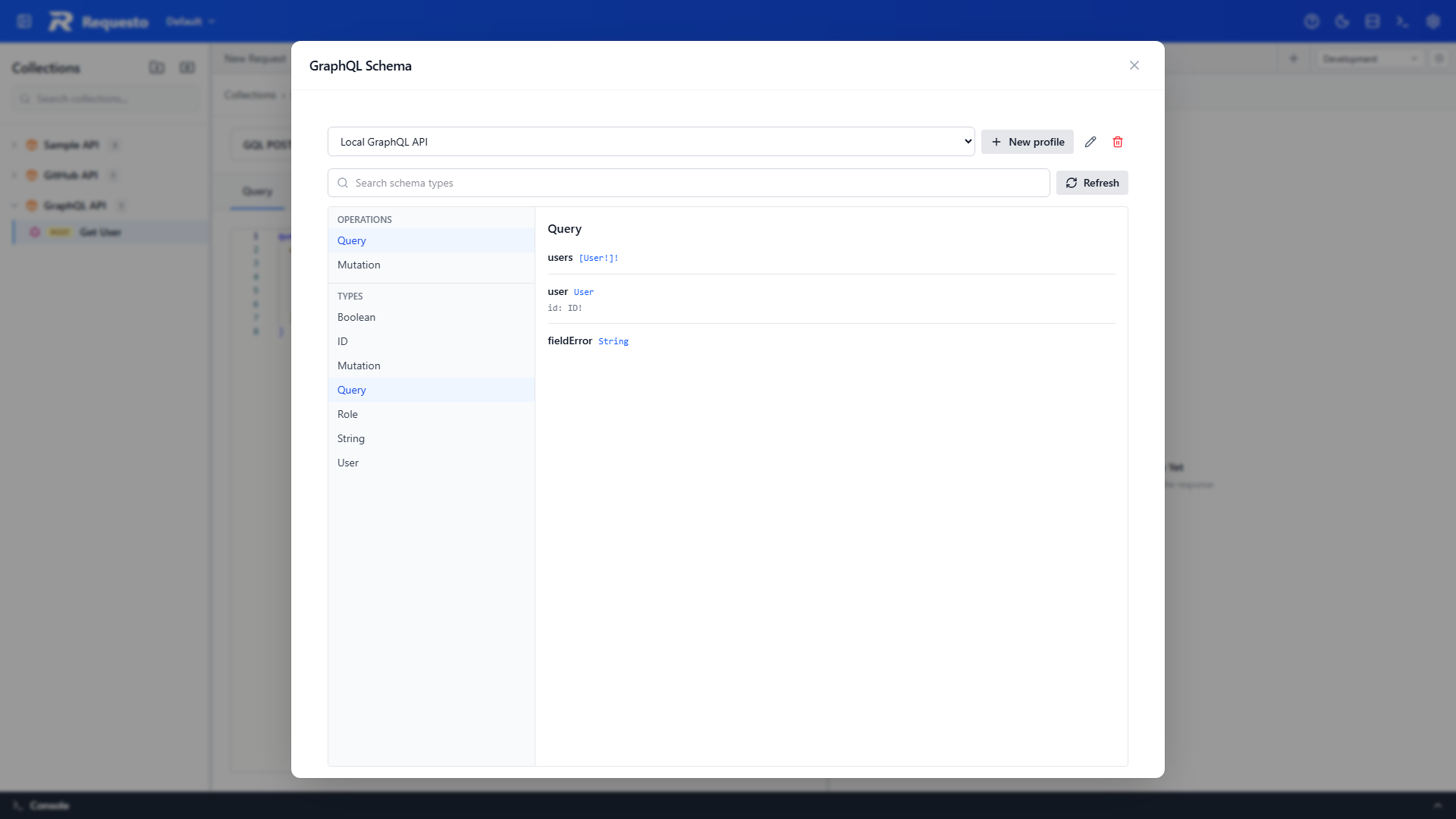
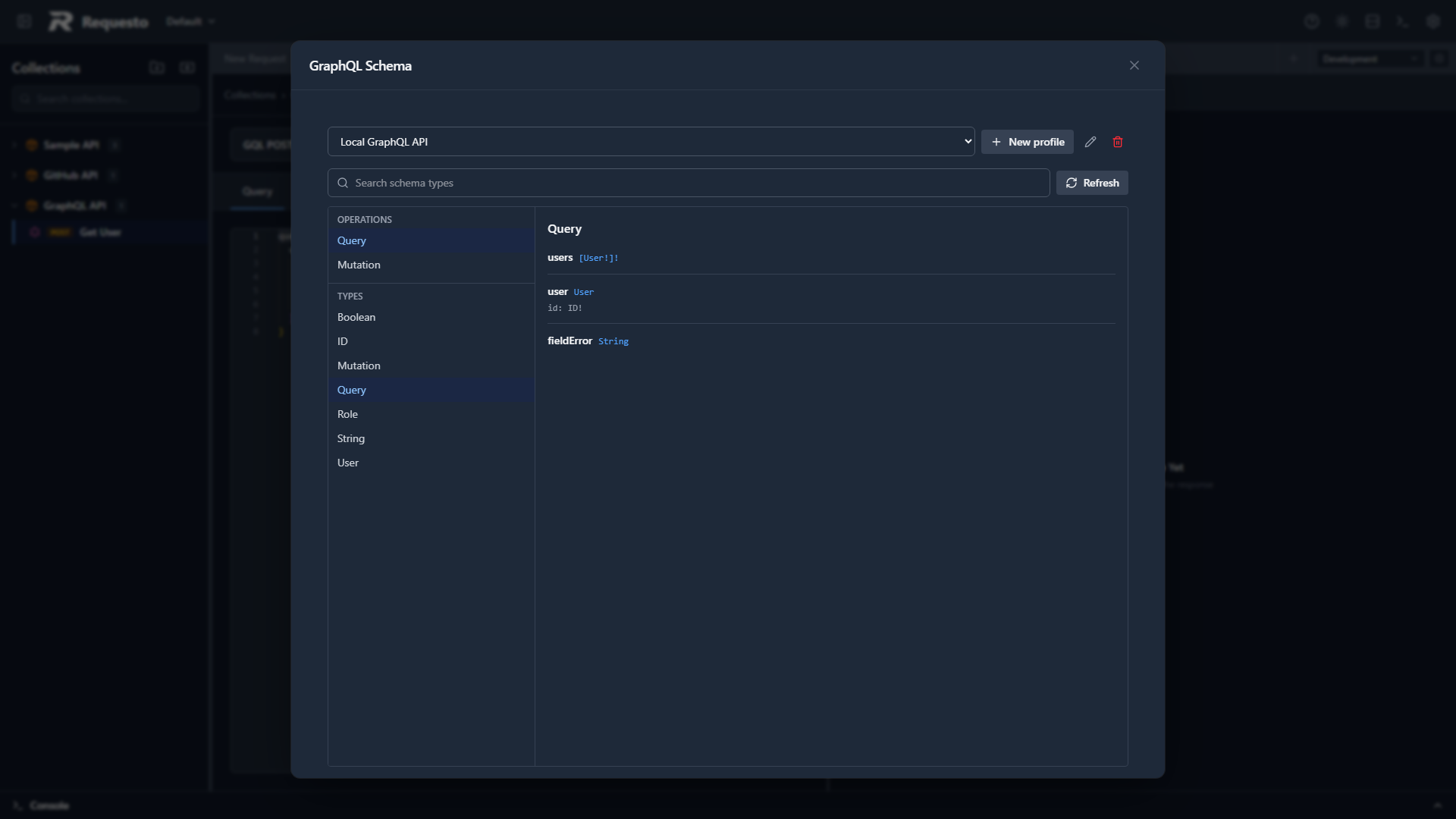
The explorer includes query, mutation, and subscription root types when present, plus object fields, arguments, enums, unions, descriptions, and deprecation information. Search by type name, follow a return type, or toggle the Types list between a flat list and an expandable tree that follows type references.
Adding Fields from the Documentation
Root fields on the query, mutation, and subscription types show an Add to query or Add to mutation button. Clicking it appends the field to the document and closes the dialog, so you can build a request entirely from the schema documentation.
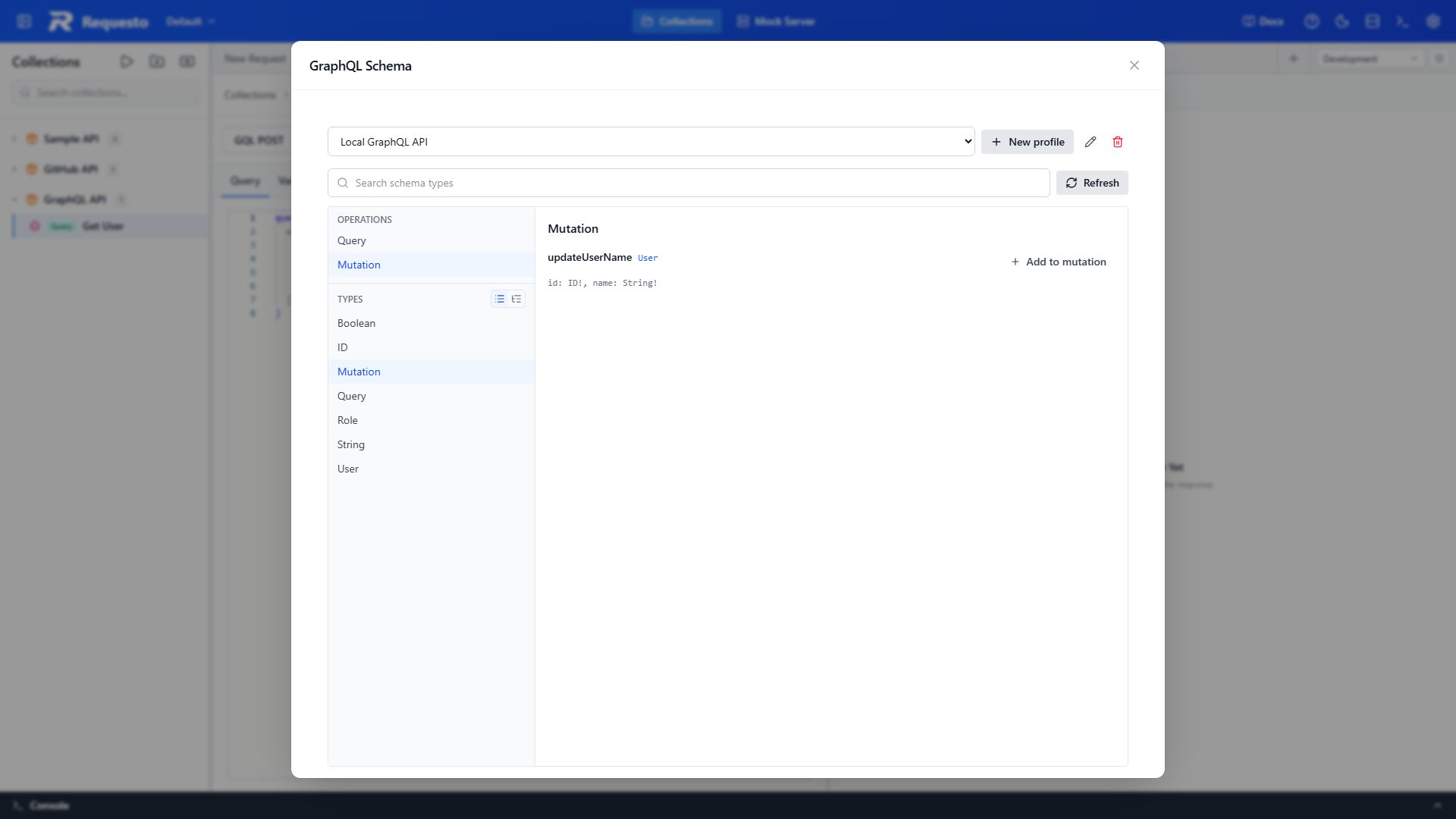
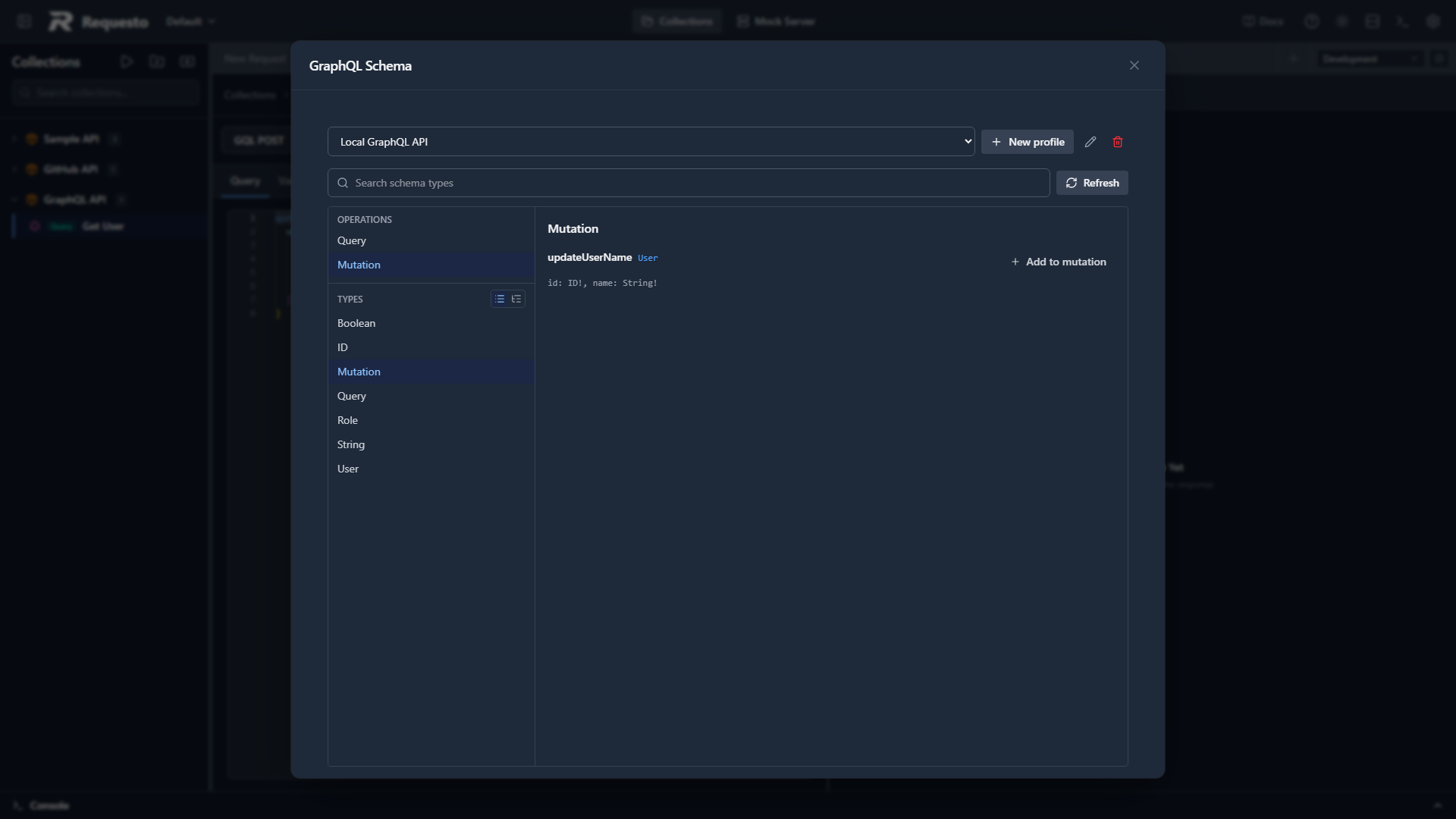
Inserted fields come with their subfields expanded down to leaf values, so the document is valid immediately, and you can delete the ones you don't need. Required arguments are filled with placeholder values, such as id: "" or input: { title: "" }, for you to replace with real data.
Schema Profiles
Schema profiles let multiple requests share a schema source. Open the schema explorer and select New profile.
| Source | Use case |
|---|---|
| Endpoint introspection | Fetch a live schema from a GraphQL endpoint |
| GraphQL SDL | Paste or import a .graphql, .graphqls, or .gql schema |
| Introspection JSON | Paste or import an introspection result from another tool or schema registry |
A request linked to an endpoint profile loads the last local cache immediately, then refreshes it in the background. Editing a profile's source invalidates the old cache.
Storage and privacy
Requesto separates shareable schema configuration from generated endpoint data:
- Profile names, source URLs, and user-provided SDL or JSON are stored in
.requesto/graphql-schemas/(one file per profile) and can be committed with the workspace. - Fetched introspection results are stored in
.requesto/local/graphql-schema-cache.json, which stays local and should not be committed. - Resolved authentication credentials and environment values are never written to a schema profile or cache.
Role-specific schemas
Some GraphQL servers return a different schema depending on the authenticated user. Refresh the schema after changing authentication or environment credentials.
Responses and Errors
GraphQL may return HTTP 200 while also returning field errors. Requesto inspects GraphQL response envelopes and distinguishes:
- Successful
data - GraphQL
errors - Partial responses containing both
dataanderrors
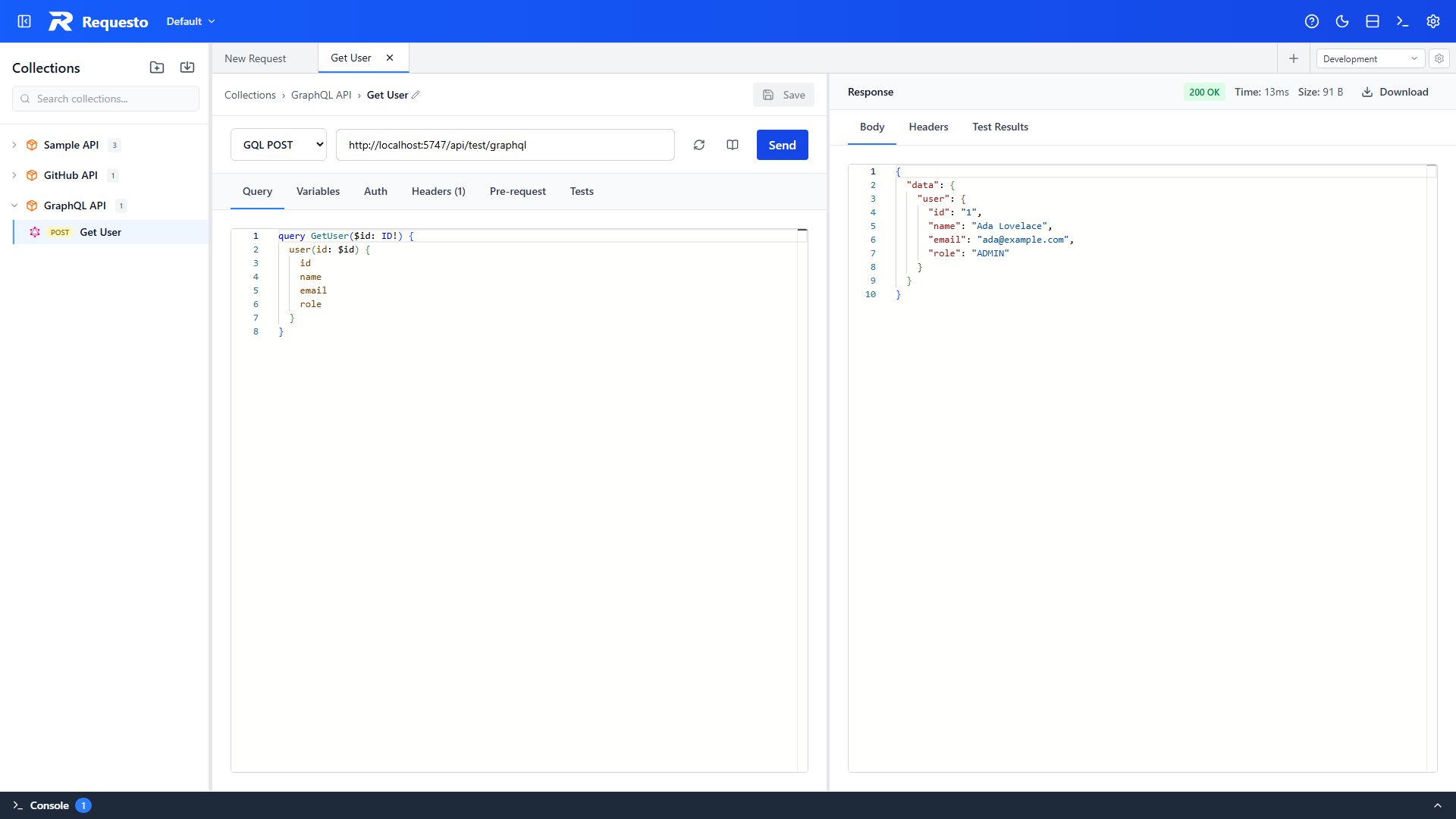
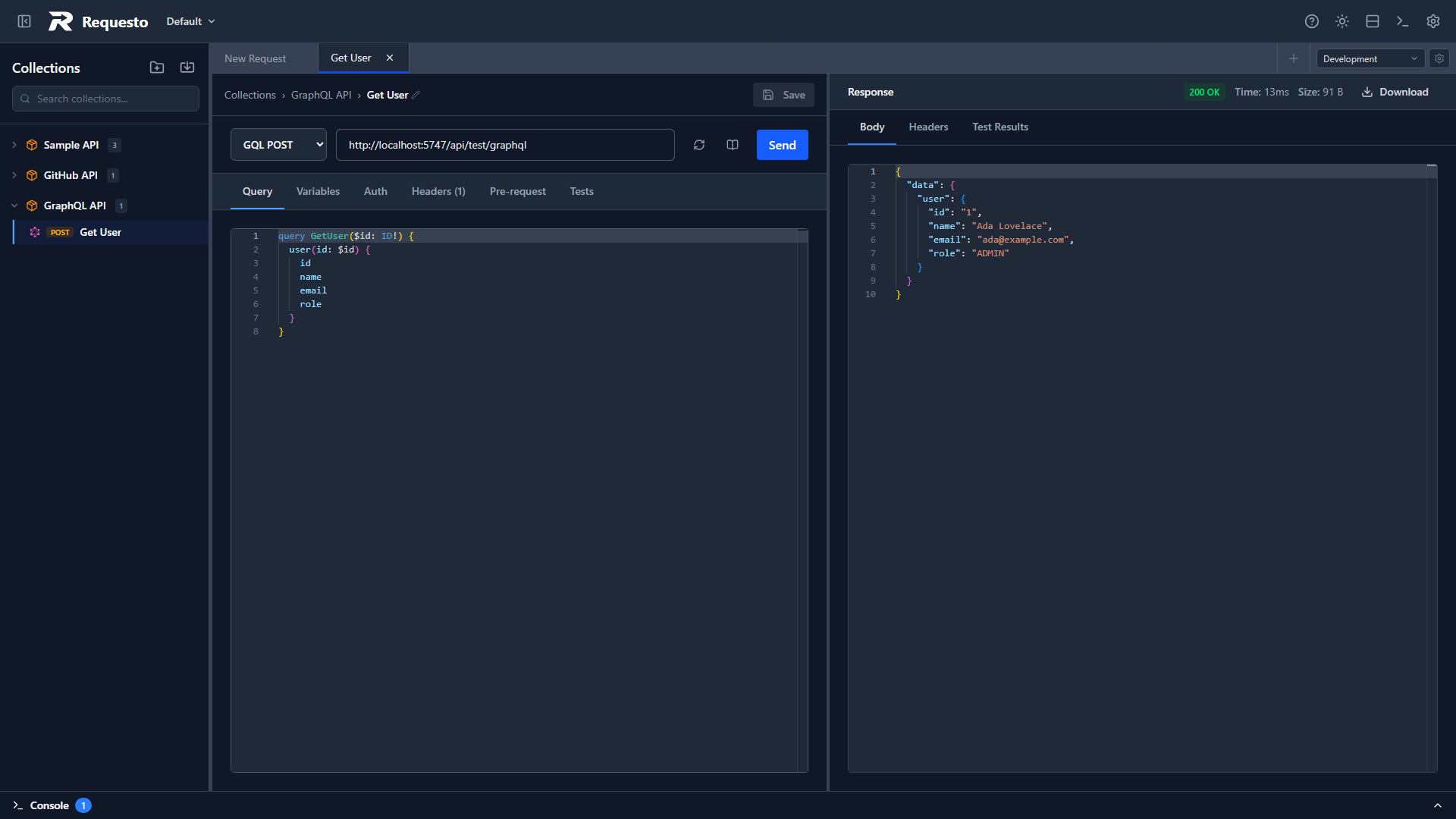
When errors are present, the response panel adds an Errors tab with each message, response path, and source location. The original JSON response remains available in Body.
Authentication, Headers, and Environments
GraphQL requests reuse Requesto's existing request features:
- Configure credentials in Auth.
- Add custom values in Headers.
- Use
{{variableName}}placeholders in the endpoint, headers, or variables JSON. - Run pre-request scripts and tests normally.
For endpoint introspection, Requesto sends the same effective headers and authentication as the request.
Troubleshooting
Schema fetching returns 401 or 403
Confirm the request's Auth and Headers settings. Introspection uses the same authentication as the request. Some servers expose different schema fields to different roles.
Introspection is disabled
Create an SDL or Introspection JSON schema profile and link it to the request. Query execution does not require introspection.
A mutation cannot be sent with GQL GET
Mutations have side effects and cannot use the safe HTTP GET method. Switch the request picker to GQL POST.
IntelliSense disappears after changing tabs
IntelliSense is restored when the Query editor remounts. If no suggestions appear, refresh the schema and check the schema explorer for an introspection error.
The request contains multiple operations
Move each query or mutation into a separate request. Requesto intentionally does not choose between multiple operations in one document.